Filters
Narrow the conversation list, for example to unassigned conversations, your own, open or closed. You can also search the messages in a conversation.

Bring supported customer conversations, relevant customer information and your teams together in one shared workspace. Organize communication, establish clear responsibilities and give your people the context they need to assist customers.
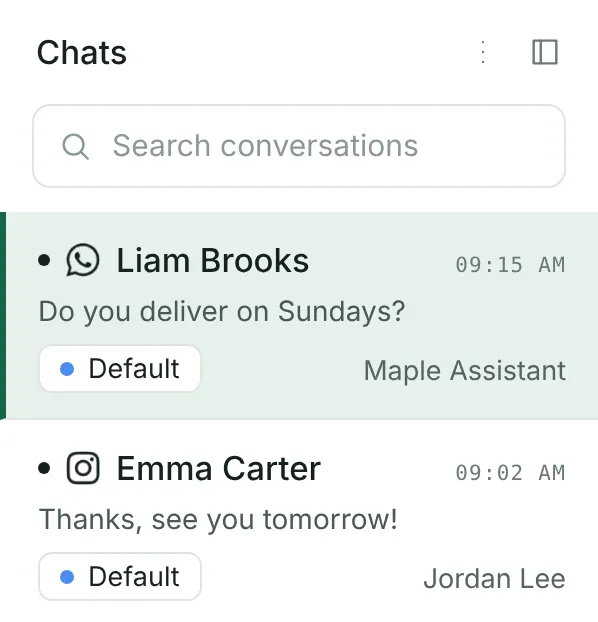
Kinsen currently supports these messaging channels. Each one is connected to your workspace before conversations arrive.
 WhatsApp Business API
 Instagram
 Facebook Messenger
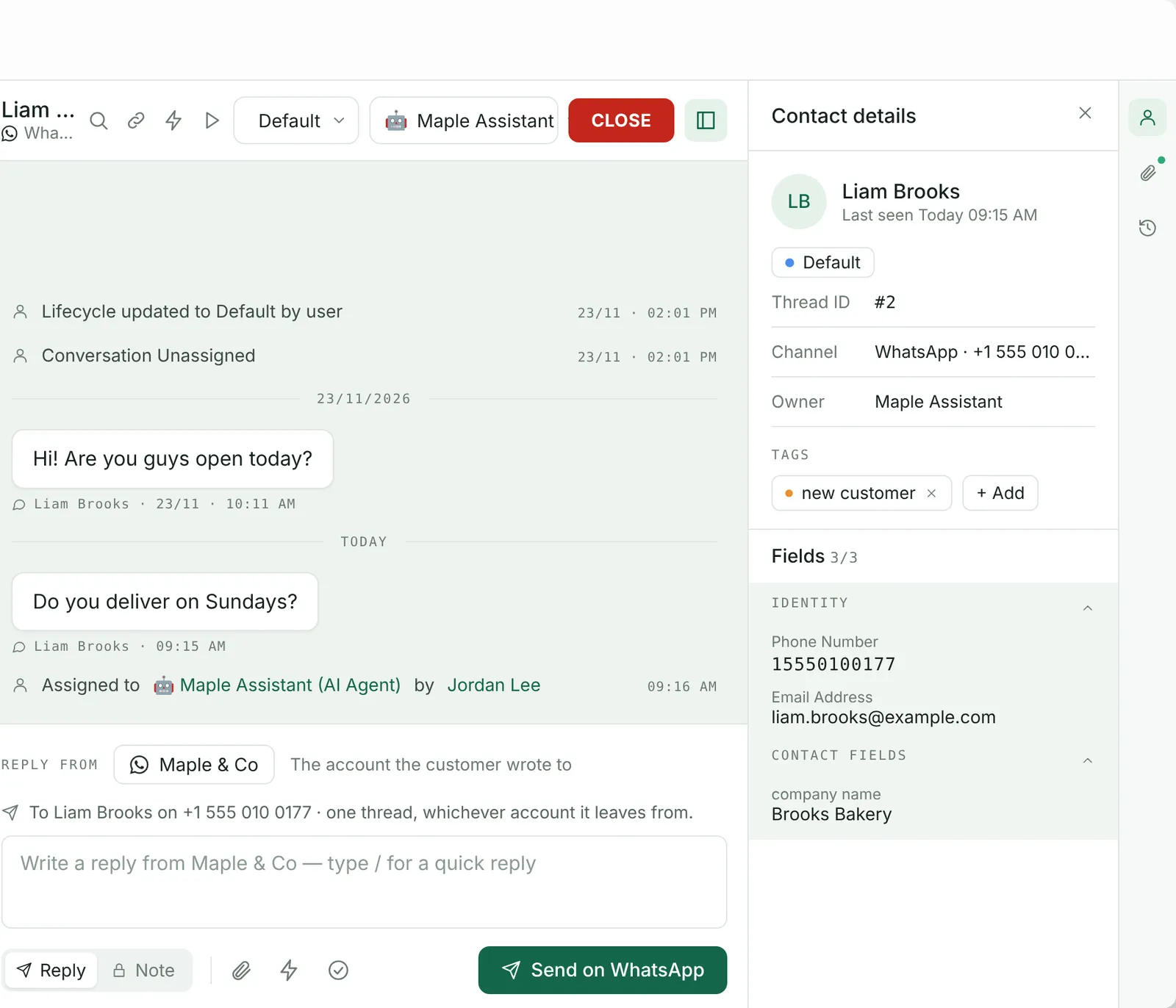
Read and reply to WhatsApp, Instagram and Messenger conversations from a shared workspace.
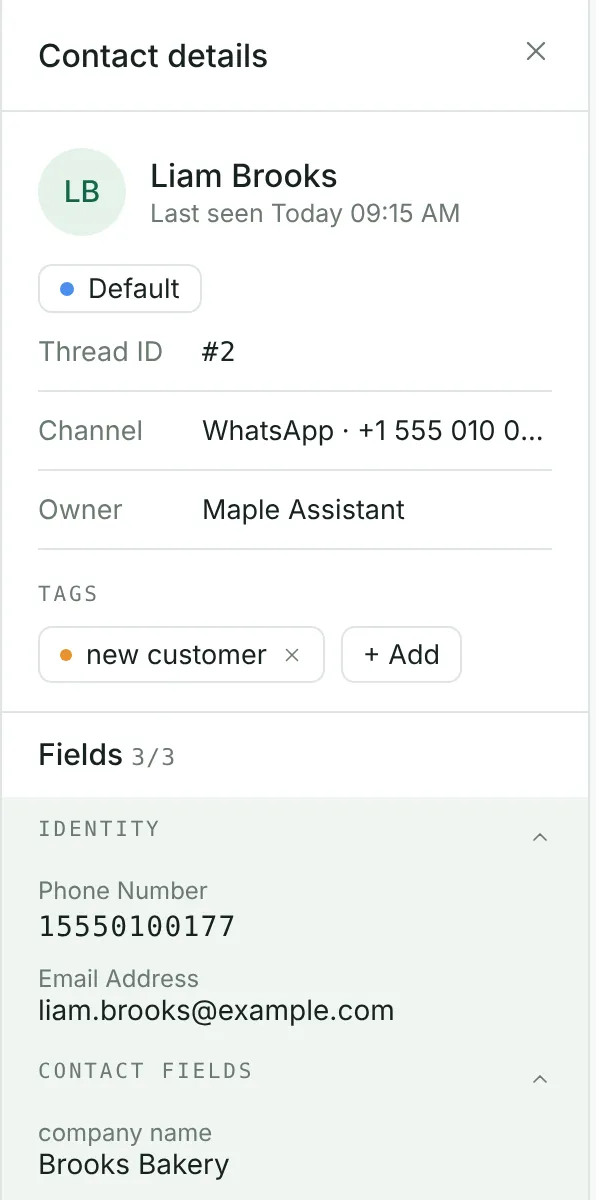
See available contact details, tags, fields and lifecycle stage beside the thread.
Assign each conversation to a teammate, a team or an AI Agent, and see what is still unassigned.
Add internal notes, follow recorded activity and hand conversations between colleagues.
Use inbox views, filters, search and open or closed status to focus on the work in front of you.
Use saved replies, approved WhatsApp templates and reusable media while you reply.
A reply is better when the person writing it knows who is asking, what was said before and who is looking after the request.
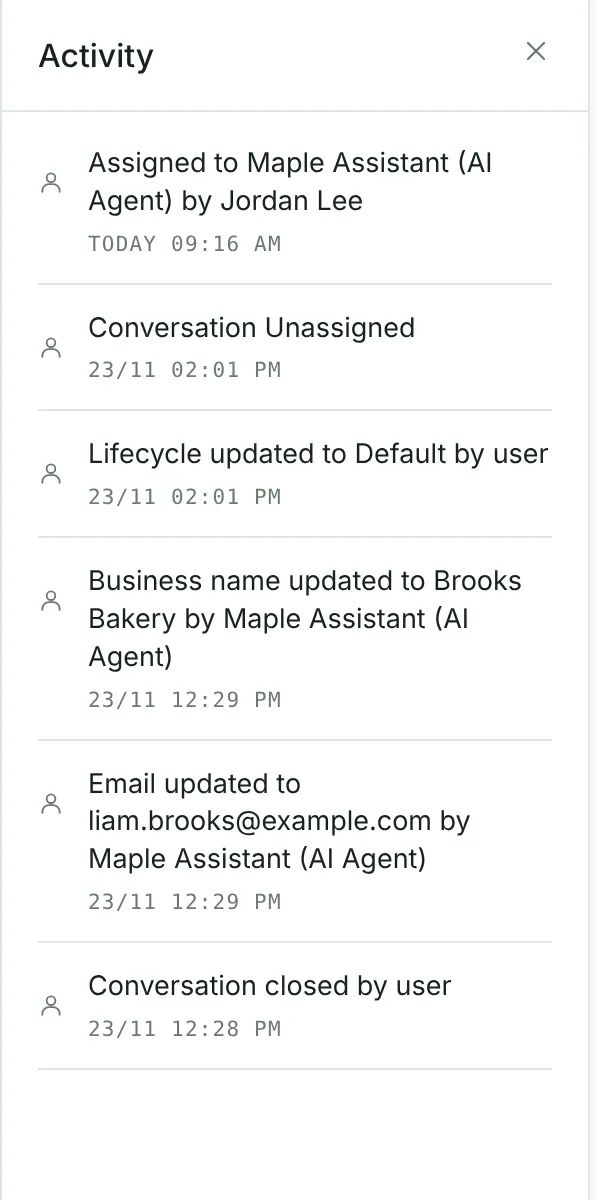
Data retention depends on your agreement and the applicable policies. Kinsen does not automatically match one person's identity across every channel.
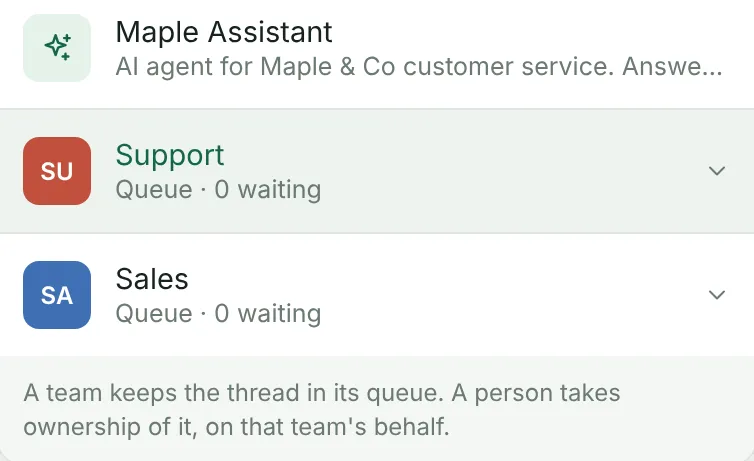
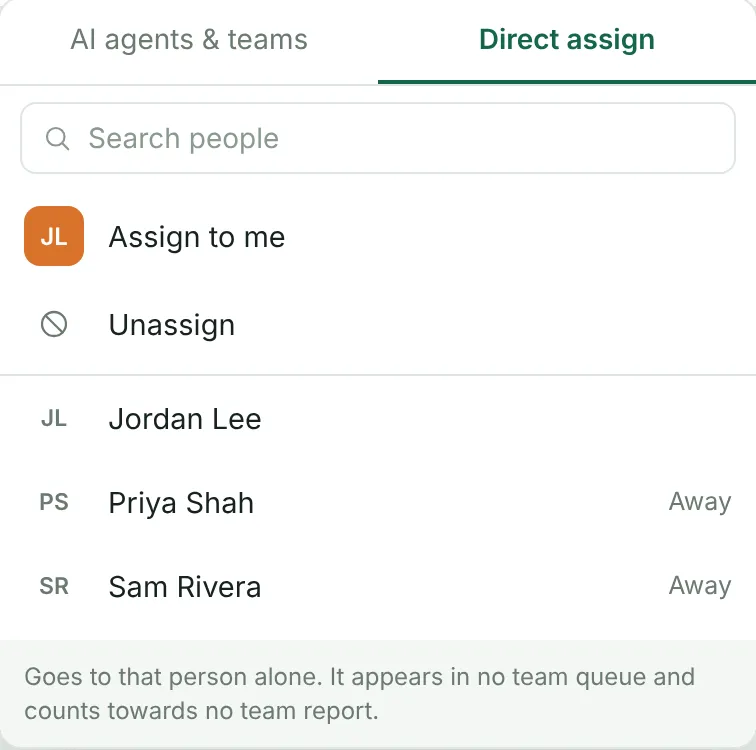
Team responsibility and individual ownership are different things. A team assignment keeps the conversation in that team's queue. A person takes personal ownership of it.
Start with the standard views, then create inbox views that match how your business divides its work.
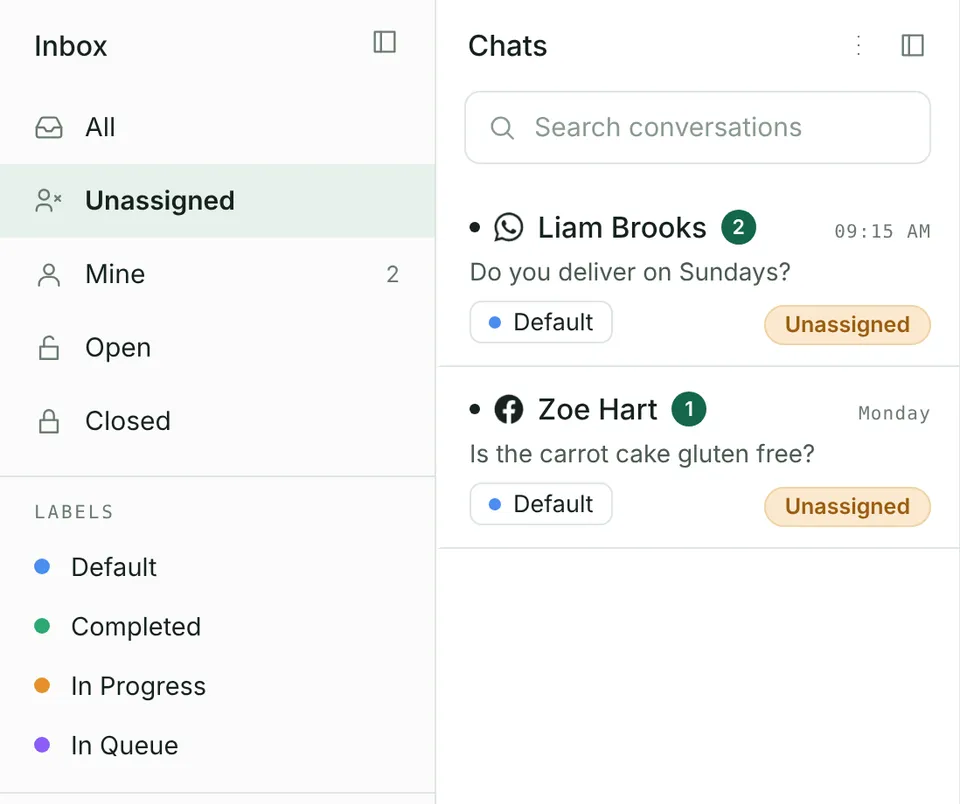
Narrow the conversation list, for example to unassigned conversations, your own, open or closed. You can also search the messages in a conversation.
Give teammates a view of the conversations that belong to their team. Access depends on team membership and permissions.
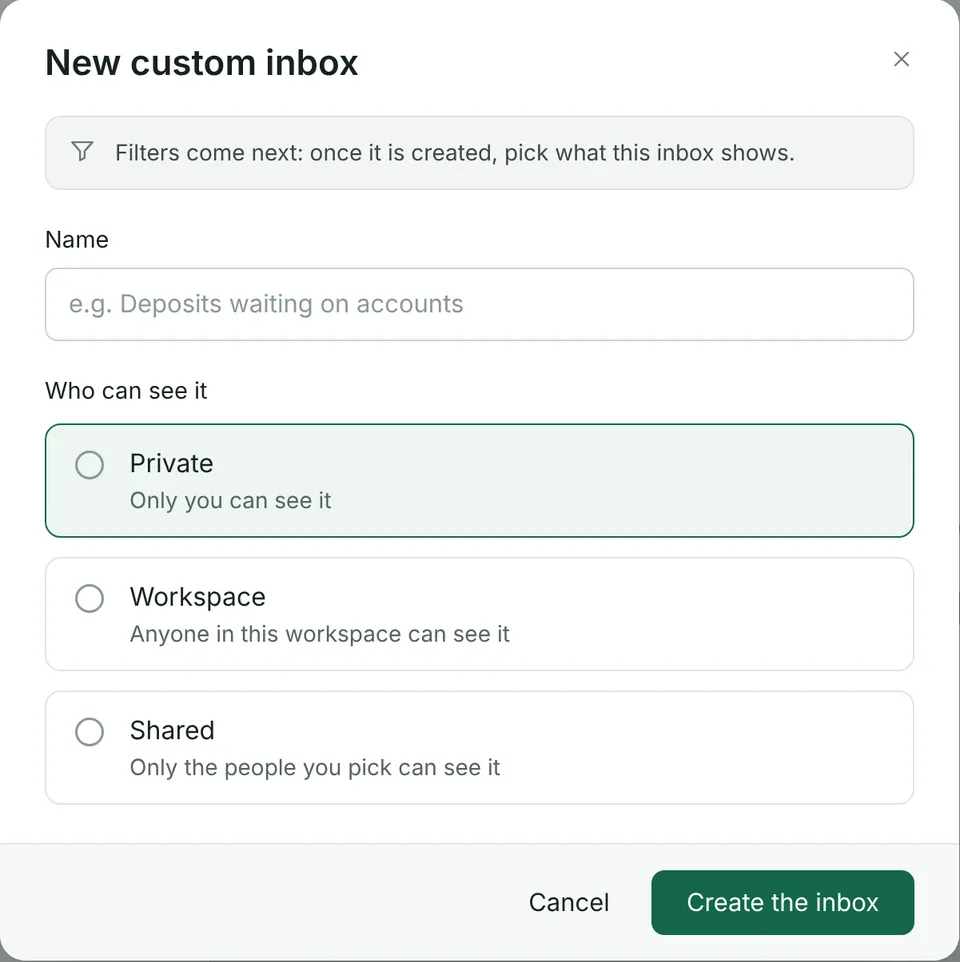
Create your own inbox views and choose who can see each one: private, the whole workspace or selected people, subject to permissions.
Colleagues can discuss a request inside the conversation it is about.
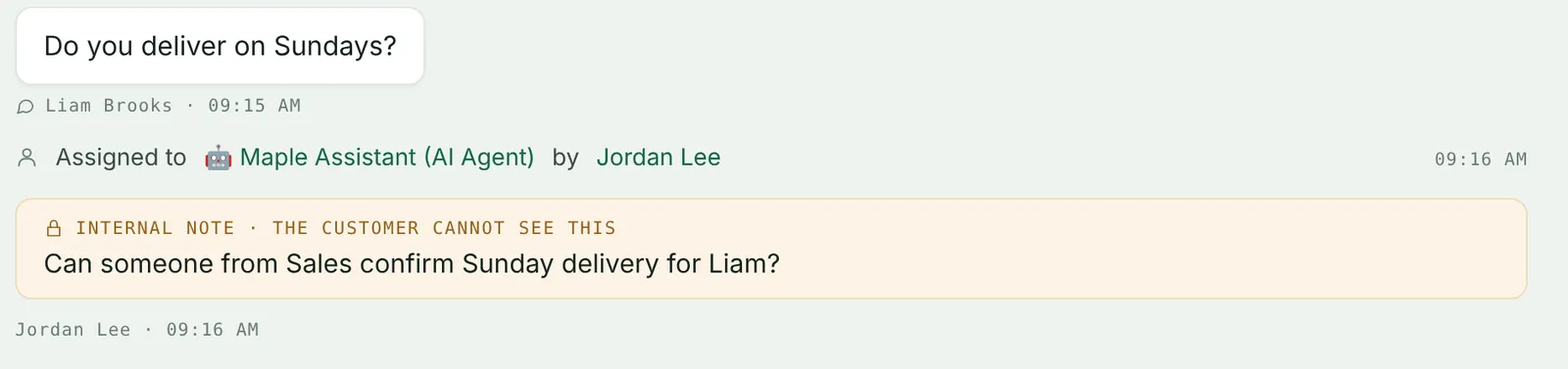
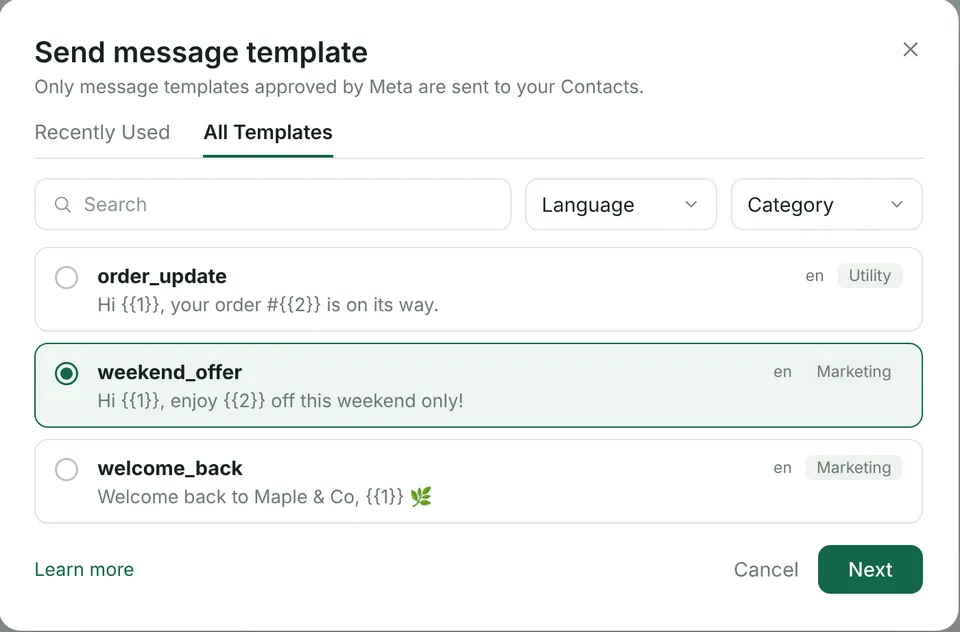
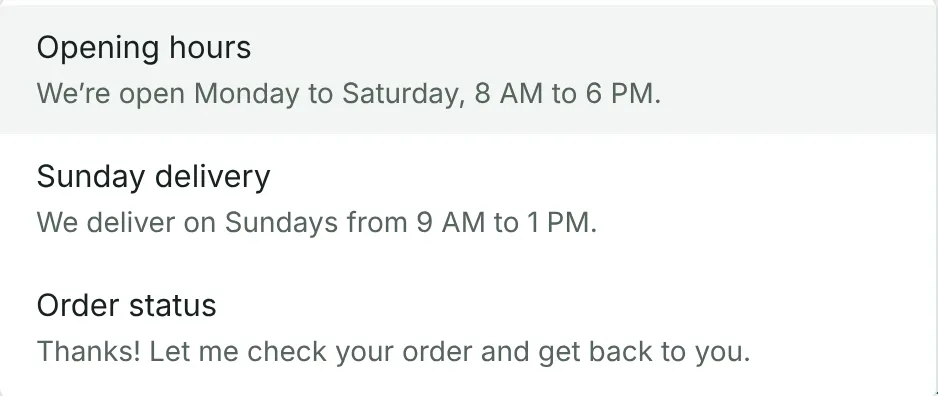
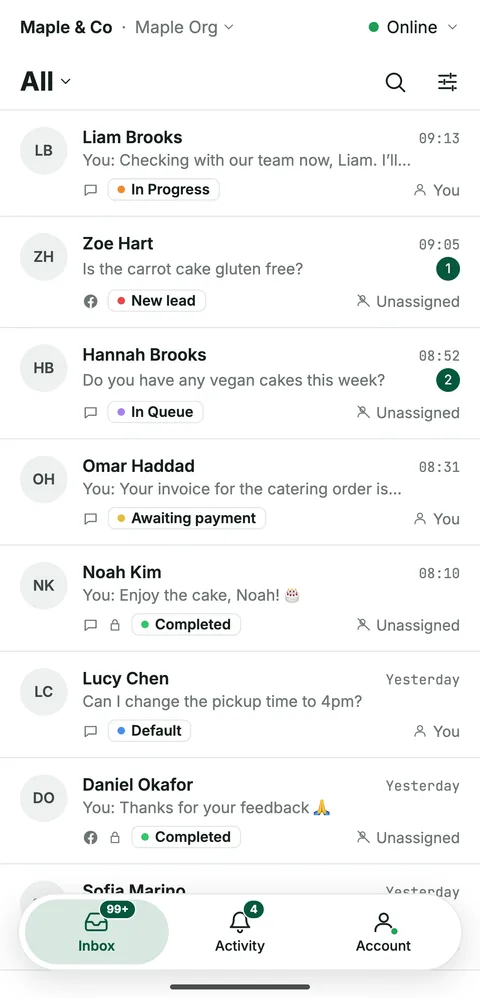
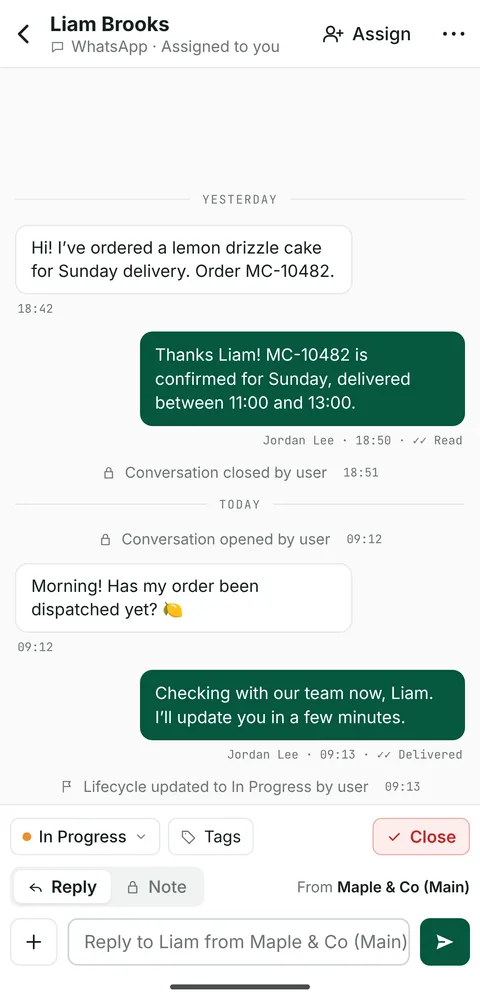
The Kinsen app for iOS and Android supports the desktop Inbox functions. Work across WhatsApp, Instagram and Messenger with Inbox views and filters, assignment and collaboration, synchronized with your desktop in real time.
Illustrative app screens with sample Maple & Co data, recreated from the Kinsen mobile app. Details on your device may differ.
Explore Mobile AppA scripted illustration of a hotel transportation enquiry. It depends on configured workflows or AI Agents, contact fields and a Transport team.
Step 1 of 5
A hotel guest asks about transportation and shares the first details.
WhatsApp conversation
Hello, we need a car from the airport on Friday. We are three adults.
Step 2 of 5
A configured workflow or AI Agent asks for what the team still needs.
WhatsApp conversation
Hello, we need a car from the airport on Friday. We are three adults.
I can pass this to our team. What time do you land, and what is your flight number?
18:40. The flight number is XY 218.
Step 3 of 5
Where permitted and configured, the answers are saved to fields on the guest's contact record.
WhatsApp conversation
Hello, we need a car from the airport on Friday. We are three adults.
I can pass this to our team. What time do you land, and what is your flight number?
18:40. The flight number is XY 218.
Arrival date: Friday. Arrival time: 18:40. Flight number: XY 218. Passengers: 3.
Step 4 of 5
Following the configured routing, the conversation moves to the Transport team.
WhatsApp conversation
Hello, we need a car from the airport on Friday. We are three adults.
I can pass this to our team. What time do you land, and what is your flight number?
18:40. The flight number is XY 218.
Arrival date: Friday. Arrival time: 18:40. Flight number: XY 218. Passengers: 3.
Conversation assigned to the Transport team.
Thank you. Our Transport team will review your request. Nothing is booked yet.
Step 5 of 5
A person checks availability, takes ownership and confirms the arrangement with the guest.
WhatsApp conversation
Hello, we need a car from the airport on Friday. We are three adults.
I can pass this to our team. What time do you land, and what is your flight number?
18:40. The flight number is XY 218.
Arrival date: Friday. Arrival time: 18:40. Flight number: XY 218. Passengers: 3.
Conversation assigned to the Transport team.
Thank you. Our Transport team will review your request. Nothing is booked yet.
I am taking this one. Checking the Friday evening schedule.
Hello, I have checked and we can arrange a car for three on Friday at 18:40. Shall I confirm it for you?
Illustrative scripted walkthrough with made-up data. No message is sent and nothing is booked automatically. An employee reviews and confirms the arrangement.
Profiles, fields, tags and lifecycle stage appear beside the conversation they belong to.
Teams give conversations a queue, members and a clear place to be handed over to.
A configured AI Agent can be assigned to conversations and hand them over to your people.
Configured journeys can collect details and route conversations. Shortcuts start selected workflows from the inbox.
Reports cover conversation activity, response times, messages and team performance.
Arrives
Context
Owner
Follow up
Set up Kinsen yourself, or choose optional professional implementation with our team.
Explore Professional ServicesWhatsApp Business API, Instagram and Facebook Messenger. Each channel must be connected to your workspace, and WhatsApp provider fees are separate.
Yes. Your teammates work in a shared workspace. What each person can access depends on their role, team membership and permissions.
You can assign a conversation to a teammate, a team or an AI Agent, or leave it unassigned until someone picks it up. Automatic and round-robin assignment need to be configured.
You can read the earlier messages and recorded activity available in your workspace. Retention depends on your agreement and the applicable policies.
Add an internal note inside the conversation. The customer does not see it. Activity history records changes such as assignments.
Yes, once configured. An AI Agent can be assigned to conversations, and workflows can collect information, update fields and route conversations. People can take over by assigning the conversation.
WhatsApp replies are governed by WhatsApp Business Platform rules. Templates may be required.
Show us how enquiries reach your business today and we will walk through how your teams could organize them in Kinsen.